
Introduction
In modern business environments, effective communication is a critical component of operational success. Companies increasingly rely on cloud-based tools to manage phone communications, automate repetitive tasks, and integrate with customer relationship management (CRM) systems. Traditional telephony systems often fall short in offering the flexibility and insights needed in a fast-paced sales or customer service context. As a result, tools that enhance telephony operations and combine them with CRM functionalities have emerged to address these gaps.
Kixie is one such tool designed to bridge the gap between traditional calling methods and modern cloud-based communication needs. This article provides an analytical overview of Kixie, explaining its features, practical applications, limitations, and considerations. Readers are encouraged to evaluate the tool based on their own operational requirements.
What Is Kixie?
Kixie is a cloud-based sales engagement and business telephony platform. It belongs to the category of integrated telephony and CRM automation tools, aimed primarily at sales teams, customer support representatives, and small to medium-sized enterprises (SMEs) looking to streamline outbound and inbound calling processes.
Unlike conventional VoIP systems that primarily provide calling capabilities, Kixie integrates closely with customer relationship management systems to log calls automatically, track engagement metrics, and provide real-time analytics. The tool operates entirely over the cloud, eliminating the need for traditional hardware setups, which is particularly valuable for distributed or remote teams.
Typically, Kixie is used by:
- Sales representatives seeking automated dialing and CRM integration.
- Customer support teams needing efficient call logging and workflow automation.
- Managers or team leads who require analytics on team performance and communication metrics.
Key Features Explained
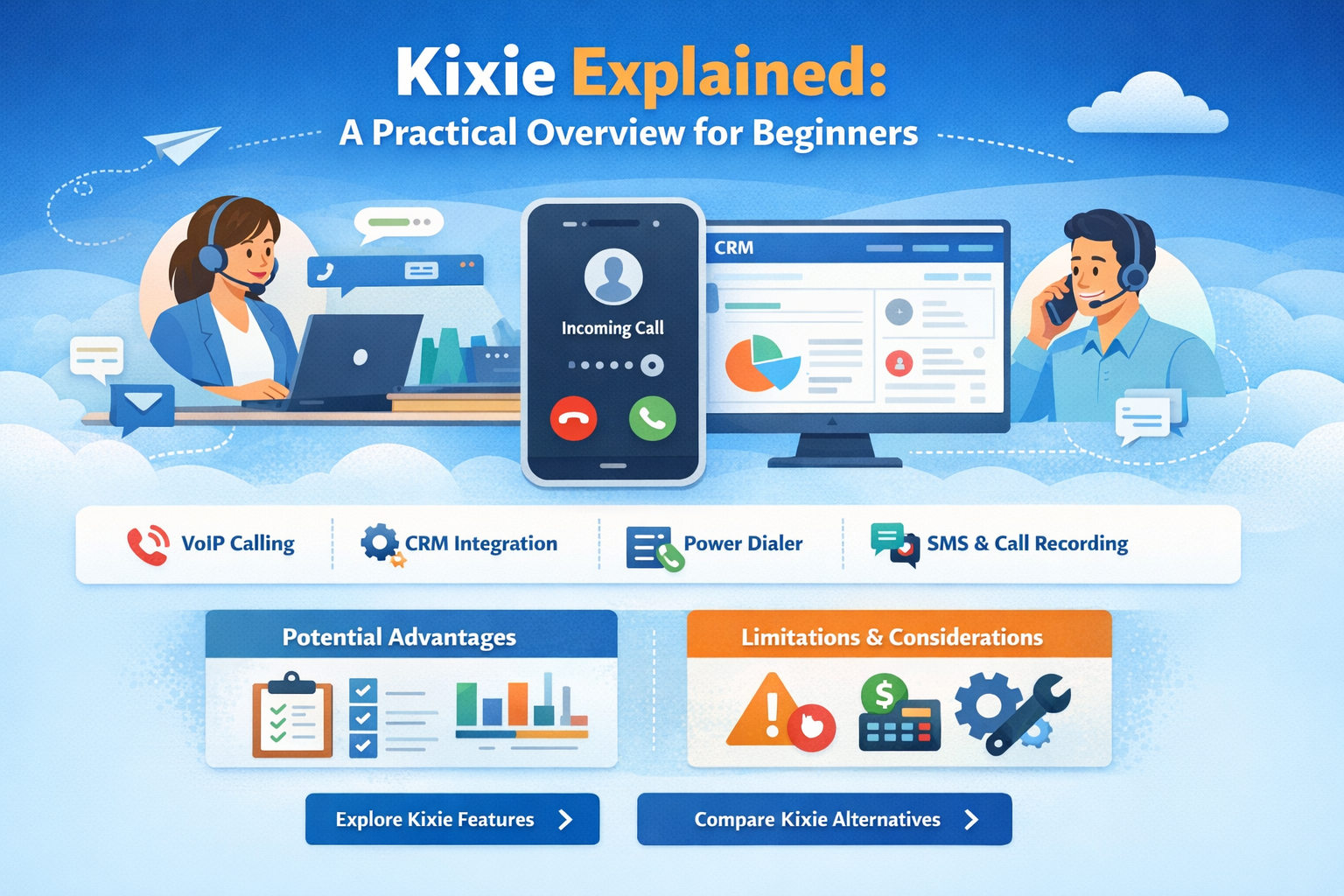
Kixie offers several features designed to optimize communication workflows. These features are described here objectively, focusing on functionality rather than promotional claims.
1. Power Dialing and Automated Outbound Calls
Kixie provides a power dialing feature, allowing users to automate outbound call sequences. This reduces the manual effort of dialing each contact individually. The tool can manage call queues, detect voicemail, and route calls based on specific rules.
2. CRM Integration
One of the core functionalities of Kixie is its ability to integrate with popular CRM systems. Integration allows call logs, contact data, and communication histories to be synchronized automatically. This minimizes manual data entry and ensures that customer information is consistently updated across platforms.
3. Click-to-Call Functionality
Users can initiate calls directly from their CRM or web interface using Kixie’s click-to-call option. This streamlines workflow by reducing the steps required to start a conversation with a lead or customer.
4. Voicemail Drop and Messaging
Kixie offers voicemail drop functionality, where pre-recorded messages can be sent automatically when a call is not answered. In addition, the platform supports automated SMS messaging for follow-ups or notifications, maintaining multi-channel communication with clients.
5. Real-Time Analytics and Reporting
The platform provides real-time reporting on call activity, engagement metrics, and team performance. Managers can view dashboards that track outbound calls, response rates, and average call duration, which can inform operational decisions.
6. Call Recording and Monitoring
For quality assurance, Kixie allows call recording and monitoring. Recordings can be reviewed for training purposes or compliance verification. Supervisors can also listen to live calls to provide immediate feedback when necessary.
Common Use Cases
Kixie is employed in various scenarios depending on the size and structure of the organization.
Sales Teams
Sales representatives use Kixie to increase efficiency in outbound prospecting. Automated dialing and CRM synchronization reduce administrative tasks, allowing sales teams to focus on conversation quality and lead engagement.
Customer Support
Customer support teams leverage Kixie to manage incoming and outgoing calls, track issue resolution, and maintain a comprehensive record of customer interactions. The click-to-call and voicemail drop features help maintain timely communication with clients.
Remote Teams
For distributed teams, Kixie provides a unified cloud-based communication system. Team members can access the platform from any location with an internet connection, ensuring consistent workflows without reliance on physical office phones.
Team Management
Supervisors and team leads use the analytics and reporting features to monitor team performance, identify bottlenecks, and implement data-driven improvements to calling strategies.
Potential Advantages
It is important to note that the following are potential advantages, not guaranteed outcomes:
- Operational Efficiency: Automating repetitive dialing tasks can reduce administrative workload.
- Data Consistency: CRM integration ensures that customer records are automatically updated.
- Flexibility: Being cloud-based, the platform can be used by remote or distributed teams without additional hardware.
- Multi-Channel Communication: SMS and voicemail features support varied communication methods.
- Insights and Oversight: Analytics dashboards provide real-time visibility into team activity and call performance.
These features may provide convenience and streamlined workflows for organizations that require regular outbound calling and CRM coordination.
Limitations & Considerations
While Kixie offers multiple features, there are several factors potential users should consider:
- Learning Curve: The platform includes multiple features that may require initial training for effective use. Teams unfamiliar with CRM integrations or automated dialing may experience a learning curve.
- Technical Requirements: Kixie relies on stable internet connectivity. In areas with unreliable networks, call quality and connectivity may be affected.
- Pricing Structure: While pricing is not the focus of this article, potential users should be aware that subscription-based models can impact budgeting, particularly for smaller organizations.
- Integration Limitations: Although Kixie integrates with many CRMs, organizations using less common platforms may encounter limited compatibility.
- Call Compliance and Regulations: Users must ensure compliance with telemarketing and communication laws, especially when automating outbound calls or using voicemail drops.
- Support and Documentation: While support resources exist, response times and availability may vary. Some users have reported delays in technical assistance for complex integration issues.
Who Should Consider kixie
Kixie may be suitable for:
- Sales teams that conduct frequent outbound calls and require CRM integration.
- Customer support departments needing to track communications efficiently.
- Organizations with remote or distributed teams seeking cloud-based telephony solutions.
- Managers who value real-time performance metrics and reporting.
Who May Want to Avoid It
Kixie may not be ideal for:
- Organizations with minimal calling needs or low outbound call volumes.
- Teams lacking technical proficiency or bandwidth to manage CRM integration.
- Businesses that require highly specialized telephony systems not supported by Kixie.
- Companies operating in regions with unstable internet infrastructure.
Comparison With Similar Kixie
Several tools exist in the same category as Kixie, each with varying capabilities:
- Aircall: Another cloud-based phone system with CRM integration, focused on call center operations. Compared to Kixie, Aircall may offer more extensive team collaboration features but less emphasis on automated outbound dialing sequences.
- RingCentral: A comprehensive cloud communication platform that covers phone, messaging, and video. RingCentral provides broader communication tools but may involve more complex setup and higher pricing.
- Salesloft: Focused specifically on sales engagement, Salesloft includes automated outreach features similar to Kixie but also integrates with email and social outreach tools.
These comparisons provide context for Kixie’s functional positioning without implying superiority or preference. Organizations should evaluate features relative to their own operational requirements.
Final Educational Summary
Kixie is a cloud-based telephony and sales engagement platform that integrates with CRM systems to facilitate efficient communication workflows. Its features—automated dialing, CRM synchronization, click-to-call, voicemail drop, SMS messaging, and real-time analytics—can be leveraged by sales teams, customer support staff, and remote workers to reduce administrative burdens and improve operational visibility.
The platform’s potential advantages include increased efficiency, data consistency, flexible remote access, multi-channel communication options, and insights for management. However, limitations such as learning curves, technical requirements, integration restrictions, and regulatory considerations are important to acknowledge.
Readers should evaluate Kixie against alternative solutions and determine alignment with their own operational, technical, and compliance requirements. Independent testing and analysis are recommended to assess the suitability of this tool in practice.
Disclosure: This article is for educational and informational purposes only. Some links on this website may be affiliate links, but this does not influence our editorial content or evaluations.
