
Introduction
Explaining software products clearly is often a challenge for businesses, especially when features are complex or require hands-on understanding. Traditional methods such as slide presentations, static screenshots, or live demos may not always provide enough clarity for users who prefer to explore products at their own pace.
To address this, companies are increasingly using interactive demo platforms. These tools allow businesses to create guided product experiences that simulate real usage, helping users understand functionality without needing access to the actual software.
Storylane is one such platform developed to support interactive product demonstrations and digital product experiences.
What Is Storylane?
Storylane is an interactive product demo platform that enables businesses to create, customize, and share simulated product experiences through clickable walkthroughs.
Storylane belongs to the category of product demo software and sales enablement tools. It is commonly used by SaaS companies, marketing teams, product managers, and sales professionals who need to present software features in a structured and interactive way.
Storylane allows teams to build demos without coding and distribute them across websites, emails, or presentations.
Key Features Explained
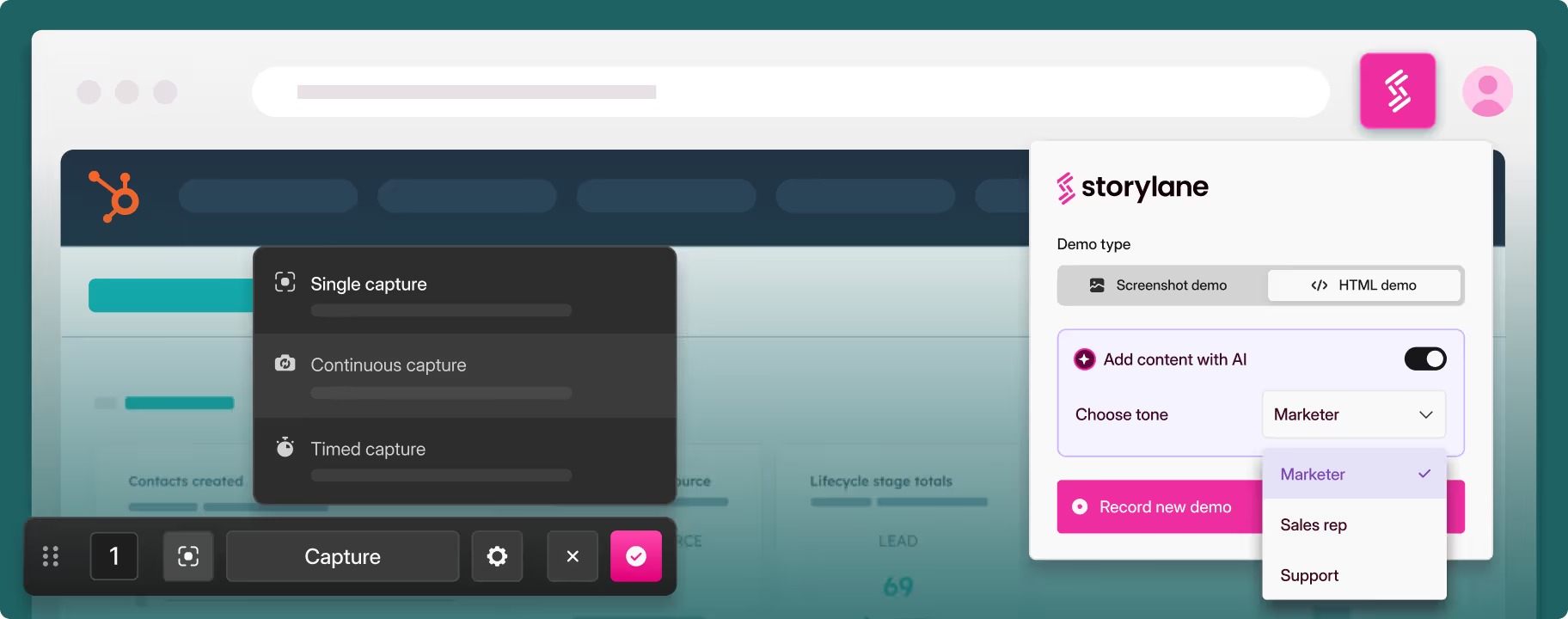
Storylane provides a system where users can capture product screens and convert them into interactive demo flows. Instead of relying on static images, Storylane enables clickable experiences where viewers can move through different steps and explore features in a guided manner. This approach helps present product functionality in a more engaging and understandable format.
Storylane includes a no-code editing environment, allowing users to modify demos, add instructions, and highlight important elements without technical expertise. This makes it easier for marketing and sales teams to create demos independently.
Storylane also supports different demo formats, including guided walkthroughs and open exploration modes. Guided demos provide structured steps for users to follow, while open demos allow users to interact more freely within the simulated environment.
Storylane enables easy sharing of demos through links, embedded website sections, or marketing campaigns. This allows businesses to distribute product experiences across multiple channels without requiring live demonstrations.
Storylane also includes analytics features that track how users interact with demos. These insights help teams understand engagement levels, identify which features attract attention, and evaluate how users navigate the demo experience.
In addition, Storylane supports integration with CRM systems and marketing tools, allowing demo data to connect with broader sales and marketing workflows.
Common Use Cases
Storylane is commonly used by SaaS companies to present product features in a way that allows users to explore functionality independently without scheduling a live demo.
Marketing teams use Storylane to embed demos on landing pages, helping website visitors understand products directly.
Sales teams use Storylane to share personalized demos with potential customers, making it easier to communicate product value before or after meetings.
Storylane is also used in onboarding processes, where new users can learn how a product works through guided interactive experiences.
Potential Advantages
Storylane can provide a structured way to demonstrate products without requiring direct access to the software. This allows businesses to scale product demonstrations and reach a wider audience.
Storylane reduces reliance on live demos, which can save time for both teams and users. It also provides engagement insights that can support decision-making in marketing and sales strategies.
The no-code environment allows non-technical users to create and manage demos independently, which can improve workflow efficiency.
These advantages depend on how Storylane is used and the specific needs of the organization.
Limitations & Considerations
Storylane creates simulated environments rather than fully functional software experiences, which means some real interactions or system behaviors may not be represented.
Creating high-quality demos in Storylane can take time, especially when designing multiple workflows or customized experiences.
Storylane demos require regular updates as the actual product changes. Without maintenance, demos may become outdated and less accurate.
Users new to interactive demo platforms may need time to understand how to design effective and user-friendly demo flows.
Additionally, businesses may need to adjust internal workflows to fully integrate Storylane into their sales and marketing processes.
Who Should Consider Storylane
Storylane may be suitable for SaaS companies, marketing teams, and sales professionals who need to present software products in an interactive and structured way. It is particularly relevant for organizations that focus on self-serve product experiences.
Who May Want to Avoid Storylane
Storylane may not be ideal for businesses that do not require product demonstrations or those that rely mainly on live presentations. It may also not suit users looking for very simple tools with minimal setup.
Comparison With Similar Tools
Platforms like Navattic and Walnut also provide interactive demo capabilities, while Supademo offers simpler demo creation features.
Compared to these tools, Storylane is generally positioned as a no-code platform for creating and sharing interactive product demos with analytics support.
Final Educational Summary
Storylane is an interactive demo platform that helps businesses create and share product experiences through simulated environments. Storylane supports demo creation, sharing, and engagement tracking within a single system.
While Storylane can simplify product demonstrations and improve user understanding, it requires planning and regular updates to remain effective. Organizations should evaluate whether Storylane aligns with their product complexity and operational needs.
This article is for informational purposes only. Readers should evaluate tools based on their own requirements.
