
Introduction
Email remains a central communication channel for professionals, students, and organizations. Despite the growth of messaging platforms and collaboration tools, email inboxes continue to accumulate newsletters, notifications, automated alerts, internal updates, and personal messages in one place. Over time, this accumulation can make it harder to identify messages that require immediate attention.
Tools designed for inbox management exist to address this problem. Their purpose is not to replace email services, but to help users organize incoming messages more efficiently. SaneBox is one such tool, positioned within the category of email productivity and inbox organization software.
This article provides an educational and neutral overview of SaneBox. It explains what the tool does, how it works, its features, practical use cases, potential advantages, limitations, and how it compares with similar solutions. The goal is to help readers understand where such a tool may or may not fit into their workflow.
Visit SaneBox Official Website
What Is SaneBox?
SaneBox is an email management service that integrates with existing email accounts. Rather than functioning as a standalone email client, it works alongside popular email providers by analyzing incoming messages and sorting them into folders based on relevance.
The tool belongs to the broader category of productivity software focused on email prioritization and inbox organization. It is commonly used by professionals who receive a high volume of email daily, including managers, freelancers, consultants, and remote workers. Students and individuals managing multiple email subscriptions may also use similar tools.
SaneBox does not replace spam filters. Instead, it focuses on non-spam emails that are technically legitimate but not always urgent or important.
Key Features Explained
Email Prioritization
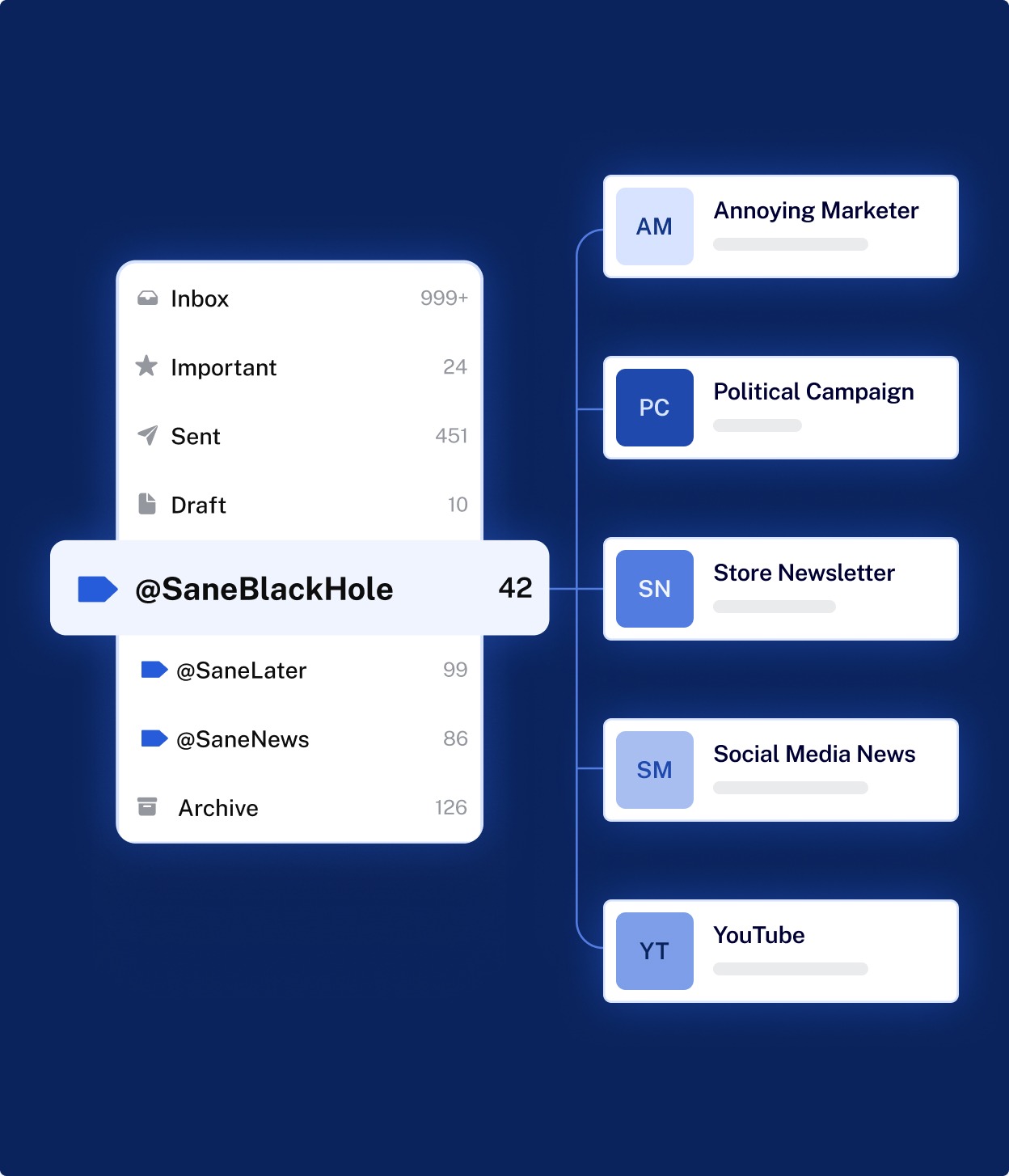
SaneBox uses behavioral analysis to identify which emails a user typically responds to or reads quickly. Based on this analysis, messages considered less important are moved out of the main inbox into a separate folder.
Folder-Based Sorting
The tool creates dedicated folders where lower-priority messages are placed. Users can review these folders at their convenience rather than in real time.
Learning From User Actions
When a user moves an email between folders, SaneBox interprets this as feedback. Over time, the system adjusts its sorting behavior based on these actions.
Reminder and Follow-Up Support
Some features allow users to set reminders for emails that need a response later. If no reply is sent within a defined time, the email can resurface in the inbox.
Email Digests
Instead of reviewing sorted emails one by one, users may receive periodic summaries listing messages that were filtered out of the main inbox.
Compatibility With Existing Email Services
SaneBox is designed to work with commonly used email providers rather than requiring users to migrate to a new platform.
Common Use Cases
Professionals With High Email Volume
Individuals who receive dozens or hundreds of emails per day may use inbox filtering tools to reduce distraction and focus on time-sensitive communication.
Remote and Distributed Teams
Team members working across time zones often rely heavily on email. Automated sorting can help reduce inbox clutter when messages arrive outside working hours.
Freelancers and Consultants
People managing multiple clients often receive a mix of critical and informational emails. Prioritization tools can help separate urgent client communication from newsletters or notifications.
Students and Researchers
Academic users may receive automated alerts, mailing list messages, and institutional emails alongside personal communication, making inbox organization useful.
Potential Advantages SaneBox
Reduced Inbox Clutter
By moving lower-priority messages out of the main inbox, users may experience a less crowded email interface.
Time Management Support
Less time may be spent scanning and deleting emails that do not require immediate attention.
Minimal Workflow Disruption
Because SaneBox integrates with existing email services, users generally continue using their current email clients.
Adaptive Sorting
The system adjusts based on how the user interacts with their inbox, rather than relying only on fixed rules.
These advantages are potential outcomes and may vary depending on email habits, volume, and user engagement with the tool.
Limitations & Considerations
Accuracy Depends on Usage
SaneBox relies on user behavior to improve sorting. New users may initially experience misclassification until the system adapts.
Not a Replacement for Spam Filters
The tool does not eliminate spam; it operates alongside existing spam protection.
Limited Control for Rule-Based Users
Users who prefer detailed, manual filtering rules may find automated sorting less predictable.
Privacy and Data Access
As with any tool that accesses email data, users should review privacy policies and permissions carefully.
Subscription-Based Model
The service operates on a recurring payment structure, which may not suit users seeking free or one-time-purchase solutions.
Who Should Consider SaneBox
- Professionals receiving a consistently high volume of email
- Users who prefer automated organization over manual rule creation
- Individuals looking to reduce inbox distractions without changing email providers
- People comfortable with tools that learn from usage patterns
Who May Want to Avoid It
- Users with low email volume who do not experience inbox overload
- Individuals who prefer full manual control over email rules
- Users concerned about granting third-party access to email metadata
- Those seeking a completely free inbox management solution
Comparison With Similar SaneBox
Several email services and extensions offer inbox organization features. Some email providers include built-in priority inboxes, while others rely on labels or rules created by the user. Alternative third-party tools may focus on unsubscribe management, bulk email cleanup, or task integration.
Compared with rule-based systems, SaneBox emphasizes automated learning rather than manual configuration. Unlike full email clients, it does not replace the user’s existing email interface. No single approach is universally better; effectiveness depends on personal workflow and preferences.
Final Educational Summary
SaneBox is an email productivity tool designed to help users manage inbox overload by automatically sorting messages based on inferred importance. It operates alongside existing email services and focuses on prioritization rather than spam elimination.
While it may help reduce inbox clutter for users with heavy email traffic, it also comes with considerations related to accuracy, privacy, and cost. As with any productivity software, its usefulness depends on individual needs, habits, and expectations.
Readers are encouraged to evaluate email management tools carefully, compare multiple options, and consider how such tools align with their own communication patterns.
Disclosure:
This article is provided strictly for educational and informational purposes only. It is not intended as marketing, promotional, or purchasing advice. Any references to tools or services are based on publicly available information and independent analysis. Some links on this website may be affiliate links; however, this does not affect the objectivity, neutrality, or accuracy of the editorial content. Readers should evaluate tools and services based on their own requirements, constraints, and professional judgment.
