
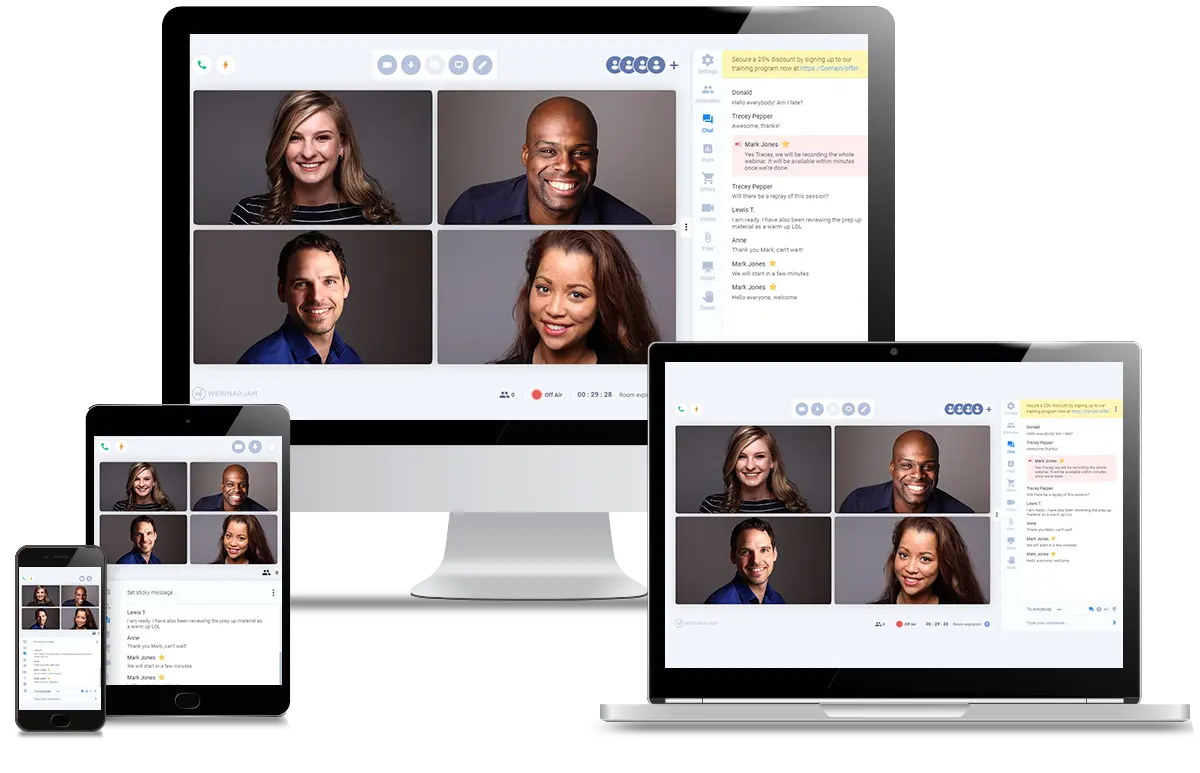
EverWebinar is an online webinar automation platform that lets businesses, coaches, and marketers run automated webinars that feel like live events. Instead of hosting live sessions every time, you can schedule pre-recorded webinars that play automatically — saving time while still engaging your audience.
This guide explains how EverWebinar works, its features, pricing, pros & cons, use cases, and how it compares to live webinar tools.
What Is EverWebinar?
EverWebinar is a webinar automation tool designed to help users host webinars that run automatically around the clock. These webinars can:
- Play at scheduled times
- Run on demand
- Start “just-in-time” after a visitor registers
Even though the webinar is pre-recorded, it feels live to attendees — with simulated chat, polls, offers, and reminders.
This makes EverWebinar ideal for businesses that want to scale presentations, capture leads, and boost conversions without the hassle of hosting live events every time.
Key Features of EverWebinar
EverWebinar offers a range of features that support automated webinar marketing:
1. Automated & Evergreen Webinars
You can upload a recorded webinar and schedule it to run repeatedly — either at fixed times or on demand.
2. Simulated Live Experience
Even though the webinar is automated, attendees see features like live chat simulation, polls, and engagement elements that mimic a real live event.
3. Flexible Scheduling
Choose how webinars are delivered:
- Fixed scheduled sessions
- Just-in-time sessions (start soon after registration)
- On-demand replay sessions
4. Email & SMS Reminders
EverWebinar can send reminders before a webinar starts to improve attendance rates.
5. Integrations
It connects with many marketing tools like ActiveCampaign, Mailchimp, ConvertKit, and Zapier — helping you sync registrations and follow-ups with your email or CRM systems.
6. Analytics & Tracking
Built-in analytics help you see how many people registered, attended, and engaged — so you can optimize future webinars.
Who Is EverWebinar For?
EverWebinar is best suited for:
- Digital marketers who want automated funnels
- Coaches & consultants scaling their reach
- Online course creators sharing evergreen content
- Small businesses that want to generate leads on autopilot
- E-commerce brands using webinars for product launches
It’s especially useful when you want the benefits of webinars without being present for every session.
Pricing Overview
EverWebinar offers multiple pricing plans depending on how long you commit:
- Monthly Plan: Around $199 per month
- Annual Plan: Around $99 per month (billed yearly)
- 2-Year Plan: Around $79 per month (billed every 2 years)
Most plans include features like automated webinars, chat simulation, templates, analytics, and integrations. A 14-day free trial and a 30-day money-back guarantee are typically available.
(Note: Pricing can vary based on promotions and updates.)
Pros & Cons
Pros
✅ Automates webinars so you don’t have to host live every time
✅ Simulated live experience boosts engagement
✅ Flexible scheduling options
✅ Integrates with popular marketing tools
Cons
❌ Some users report issues with cloning or editing sessions (according to user reviews)
❌ Pricing may feel high for beginners depending on needs
EverWebinar vs Live Webinar Tools
Unlike live webinar platforms where you present in real time, EverWebinar’s strength is automation. If you already have a successful live webinar, converting it into an evergreen webinar can save hours of repeated work.
However, if you need real-time interaction and direct live engagement, a live webinar tool might be better — and you can still integrate it with EverWebinar for automated follow-ups.
How to Get Started with EverWebinar
- Sign up for the free trial.
- Upload your webinar video or import from another source.
- Set your schedule (fixed times, just-in-time, or on demand).
- Customize pages and engagement elements.
- Integrate with your email/CRM tools.
- Launch and monitor analytics.
Conclusion
EverWebinar is a powerful tool for anyone who wants to automate webinars, save time, and scale their marketing without hosting live events every time. Its scheduling flexibility, simulated engagement, and integrations make it a solid choice for marketers, educators, and business owners alike.
